TikTok Photo Downloader
Paste a public TikTok photo post link, review its slides in order, and download the photos individually.
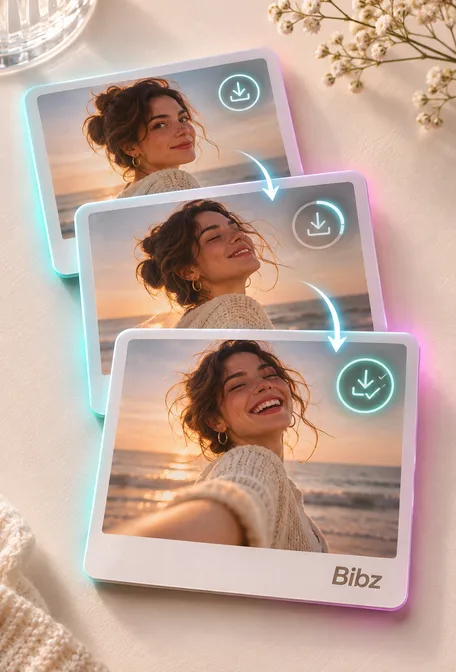
Keep the photos in post order
Paste the link to one public photo post. Check each slide and download the images you need in the format provided by TikTok.
Copy the public link
Open a public TikTok photo post. Use Share → Copy link. On the web, a direct photo link includes /photo/.
Paste and check the result
Paste the link and select Find photos. Compare the slide numbers and previews with the TikTok post.
Save the file
Select Download photo under each image you want to keep. The number in the filename identifies its position in the post.
What files does a TikTok photo post return?
Bibz returns the available photos in post order. In our single-photo example, the download was a 720 × 1280 JPEG. A gallery can return several images with different dimensions.
tiktok-7508442021644782866-1.jpgDownload specs at a glance
Verified example- Image size in the example
- 720 × 1280
- JPEG
- Download formats
- 4
- JPEG · PNG · WebP · AVIF
- Interface languages
- 6
Supported links and output
- Accepted link patterns
tiktok.com/@creator/photo/POST_IDvm.tiktok.com/SHARE_CODEvt.tiktok.com/SHARE_CODE
- Download format
- JPEG · PNG · WebP · AVIF
If a share link opens a video, return to TikTok and copy the photo post link. This page saves photo slides.
What makes this workflow useful?
Accepted link patterns
Paste the link to one public photo post. Check each slide and download the images you need in the format provided by TikTok.
What files does a TikTok photo post return?
Bibz returns the available photos in post order. In our single-photo example, the download was a 720 × 1280 JPEG. A gallery can return several images with different dimensions.
Download format
JPEG · PNG · WebP · AVIF
Where do downloads go on a phone?
Open your browser’s Downloads list or the Files app. The browser handles the save location.
Do I need an account?
Bibz can open public links. If the source requires sign-in or is unavailable to the public, it may not return a downloadable file.
Make sure the post is a photo slideshow
If a share link opens a video, return to TikTok and copy the photo post link. This page saves photo slides.
Ways to use Bibz
From a public source to a file you can check and save. Pick the workflow that fits what you have.
- Save your own work Keep a local copy of a public post before you update or remove it.
- Review the result first Match the result to the original source before saving it.
- Prepare a handoff Save the file with the source link so a collaborator can identify the right version.
- Work on a phone Open your browser’s download list to find the saved file on your device.
- Keep a reference Save an authorized reference and keep the original link alongside it.
- Return to a previous result Open Bibz history on the same browser and choose the entry you want to revisit.
Frequently asked questions
Which links work?
Use a link to a public photo post or a TikTok share link that opens that post. Profiles and video-only posts have no photo slides.
Do I need an account?
Bibz can open public links. If the source requires sign-in or is unavailable to the public, it may not return a downloadable file.
Can I download every slide?
The tool displays the slides returned by the public post in order. A deleted or unavailable slide cannot be downloaded.
Do the photos include the soundtrack?
The download contains one image file per saved slide. The soundtrack is not part of those files.
Can I download all the photos as a ZIP?
Each available image has its own button. This page saves the selected photo as a separate file.
Where do downloads go on a phone?
Open your browser’s Downloads list or the Files app. The browser handles the save location.
Why does a result stop loading?
The source URL may expire or the platform may limit requests. Reopen the original post, check that it still works, and try the link again.
Can I use the files again?
Save and reuse files you own or have permission to use. Public visibility does not grant permission to republish them.
Explore more platforms with Bibz
Choose a platform to use its tools for public videos, photos, subtitles or covers. Available formats vary by tool.